
Best Ways to Update Your Seasonal and Holiday Business Hours Signs
-
Posted:
(UTC)
Last Updated:
(UTC)
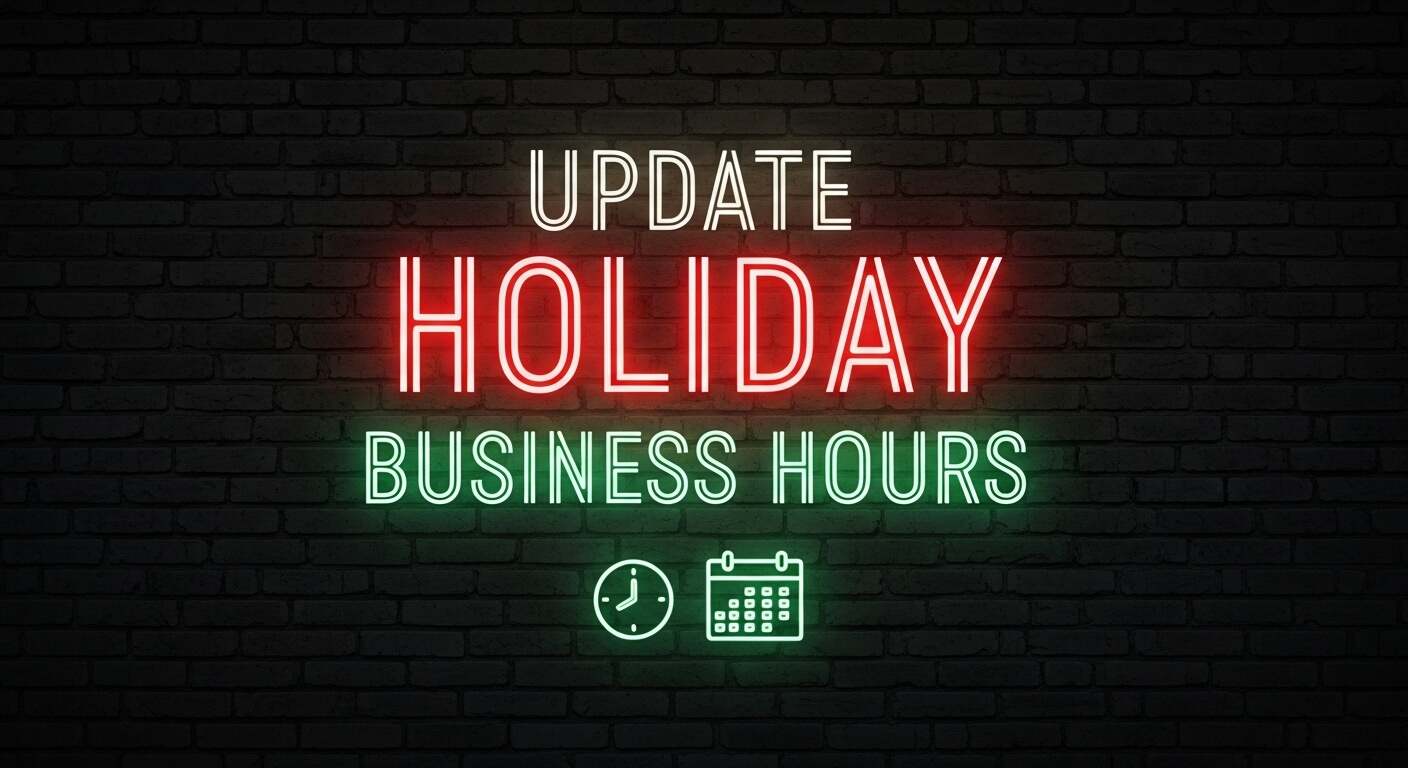
Best Ways to Update Your Seasonal and Holiday Business Hours Signs
You change your hours for the holidays. Your customers do not automatically know that. A missed update on your business hours sign sends people to a locked door — and sends them to your competitor instead. Here is how you handle this correctly.
Why Seasonal Hour Updates Matter More Than You Think
A customer who drives to your location during non-standard holiday hours and finds you closed does not just leave frustrated; they often do not come back. Accurate seasonal business signage is a direct revenue protection tool. During Christmas, Thanksgiving, New Year's, and summer peak periods, your store traffic shifts. Your signage needs to shift with it.
Strategy 1: Use a Digital or LED Display Sign for Instant Updates
A programmable LED business sign lets you change your hours display without printing anything new. You update the message from your phone or computer, and the sign reflects the change instantly.
For businesses that change hours frequently, such as retail shops, restaurants, salons, and cafes, this is the smartest investment. Browse business neon signs at VitalNeon for illuminated signage options that keep your storefront professional and visible.
Strategy 2: Layer Temporary Signs Over Your Permanent Display
When you already have a permanent hours sign, place a clean, professionally printed temporary overlay above or beside it during holiday periods. Use bold text: "Holiday Hours In Effect" with the specific dates and times listed clearly.
Remove the overlay the moment normal hours resume. A temporary sign left up past its dates creates confusion and looks unprofessional.
Strategy 3: Keep Your Google Business Profile in Sync
Your physical sign handles walk-in traffic. Your Google Business Profile handles everyone searching online before they leave the house. Update your holiday hours on Google every single time your sign changes.
Google actively notifies searchers when a business has special holiday hours set. This free feature protects you from negative reviews that say "their listed hours were wrong."
Strategy 4: Use Your Window as a Signage Surface
Window decals and static cling signs let you post holiday hours directly on your glass without any permanent installation. Pair this with an illuminated storefront sign from VitalNeon — the glow draws attention to your window display even at night.
The party and event neon category includes festive signs that double as seasonal décor while keeping your storefront bright and welcoming during holiday periods.
Strategy 5: Add a QR Code to Your Hours Sign
A small QR code printed on your hours display can link directly to your website's hours page or Google listing. Customers scan it for the most current information without having to call you. Update the landing page digitally rather than reprinting physical signs each season.
Strategy 6: Plan Your Sign Updates on a Calendar
Create a recurring reminder in your calendar for 2 weeks before every major holiday. Use that reminder to update: your physical sign, your window display, your Google Business Profile, your website, and your social media bios.
Businesses that treat signage updates like a scheduled task never scramble to catch up.
Don't Let Outdated Signage Cost You Business
Your holiday business hours sign is a customer communication tool. Treat it like one. Explore VitalNeon's business neon sign collection and upgrade to a display that commands attention while staying easy to update.