
Update Your Holiday Business Hours Sign the Right Way
-
Posted:
(UTC)
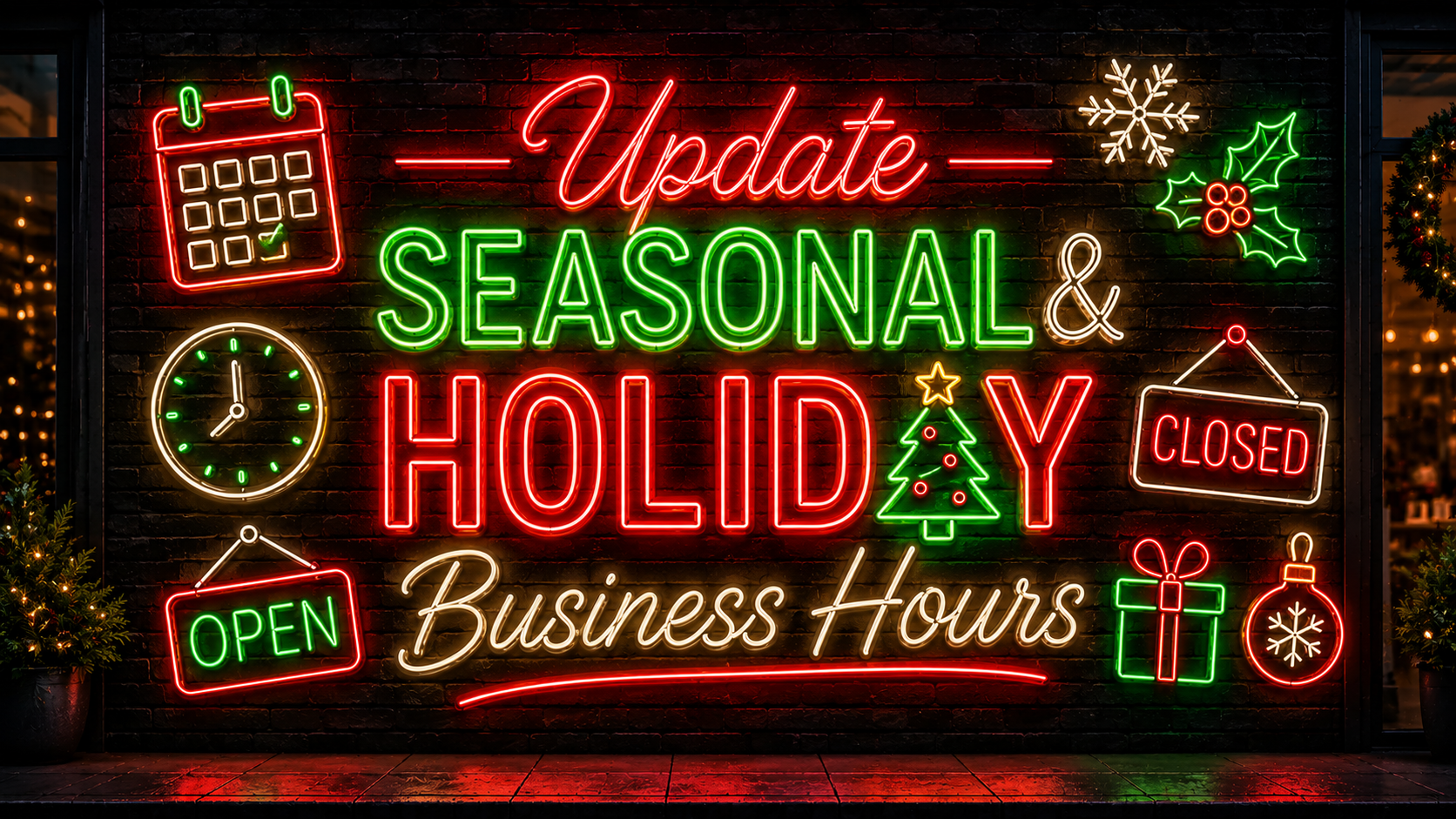
Best Ways to Update Your Seasonal and Holiday Business Hours Sign
How do your customers know your store closes early during the holidays this year? Many small businesses still use a handwritten note taped to the front door. That approach looks rushed and gives visitors zero confidence in your professionalism or planning. At VitalNeon, we help business owners replace paper notes with signage that looks intentional year-round. Here are the best ways to update your seasonal and holiday business hours sign without confusing a single customer.
Why a Paper Sign Hurts Your Brand During Busy Seasons
Holiday shopping and seasonal rushes bring more new visitors to your storefront than any normal week. That is the exact moment a taped, handwritten sign sends the wrong message about your business. Customers connect sloppy signage with inconsistent service, even when the connection is not fair. A clear, well-designed hours sign builds trust before a shopper steps through your door. Getting your holiday hours signage right protects revenue during your busiest weeks of the year.
Choose a Reusable Sign You Can Update Season After Season
A one-time printed sign gets replaced every time your hours or holidays change. Instead, invest in a reusable format like a chalkboard, letter board, or custom LED sign. VitalNeon's business neon signs let you display hours in clear text while still matching your interior branding and colors. A reusable sign pays for itself within the first holiday season alone.
Post Updated Hours at Least One Week Before Any Change
Customers plan trips around your posted hours during Thanksgiving, Christmas, and New Year. Update your sign at least seven days before your hours shift or change. Post the update both on your door and across your website and social pages. That advance notice prevents wasted trips and protects the trust you have built with regulars.
Use High Contrast and Large Text for Instant Readability
A sign nobody can read from the sidewalk fails at its most basic job. Choose bold, high-contrast lettering that customers can read while still walking past your window. Avoid script fonts or tiny text for anything as important as your business hours. An illuminated sign stays visible even after sunset, when many holiday shoppers are still browsing outside.
Separate Regular Hours From Temporary Holiday Exceptions
Mixing your everyday hours with holiday exceptions confuses customers trying to plan a quick visit. Keep your standard weekly hours on one clean sign near the entrance. Add a second, smaller sign for temporary closures around Thanksgiving, Christmas, or New Year. This separation keeps your main hours sign useful all year, not just during holidays.
Give Your Hours Sign a Permanent, Branded Home
A sign that moves around your window looks temporary and easy for customers to miss. Choose one consistent spot, like the front door or window, for your hours display. A custom neon or LED piece adds visibility while reinforcing your brand every time someone glances over. Request a free mockup and quote to see a branded hours sign built for your storefront.
Update Digital Listings Alongside Your Physical Sign
Your physical sign only reaches people standing outside your store or window. Update your Google Business Profile, website, and social bios the same day your sign changes. Customers checking hours online expect that information to match what they see in person. Consistency across every channel prevents confused calls and frustrated customers during a closure.
Seasonal Signage Checklist for Your Storefront
Great seasonal hours signs share a few traits every owner should copy. Keep the format reusable so updates take minutes instead of an entire afternoon. Post changes early, use bold and readable text, and separate regular hours from exceptions. Give the sign a permanent spot and match every online listing the same day.
Your holiday hours deserve better than a sticky note taped to glass. A branded, reusable sign keeps customers informed and keeps your storefront looking sharp all season. Design your custom business sign with VitalNeon and walk into the holidays prepared.
Frequently Asked Questions
How early should I post my Christmas or Thanksgiving hours?
Post updated holiday hours at least one to two weeks before the actual date. Early notice gives regular customers enough time to plan their visit around your schedule.
What material works best for a reusable hours sign?
Chalkboards, letter boards, and custom LED signs all support quick, repeated updates. LED signage adds visibility after dark, which matters most during shorter winter daylight hours.
Should holiday hours and regular hours appear on the same sign?
Keep them separate whenever possible to avoid confusing customers during a quick glance. A small secondary sign for holiday exceptions keeps your main sign useful all year.
Does my online business listing need to match my storefront sign?
Yes, mismatched hours between your website and your door create real customer frustration. Update every online listing the same day you change your physical storefront signage.
Can a neon sign display business hours instead of a chalkboard?
Yes, a custom LED neon piece can spell out hours in bold, glowing text. It stays legible after sunset and reinforces your brand every time a customer looks over.